Why Documentation Is Part of the Product
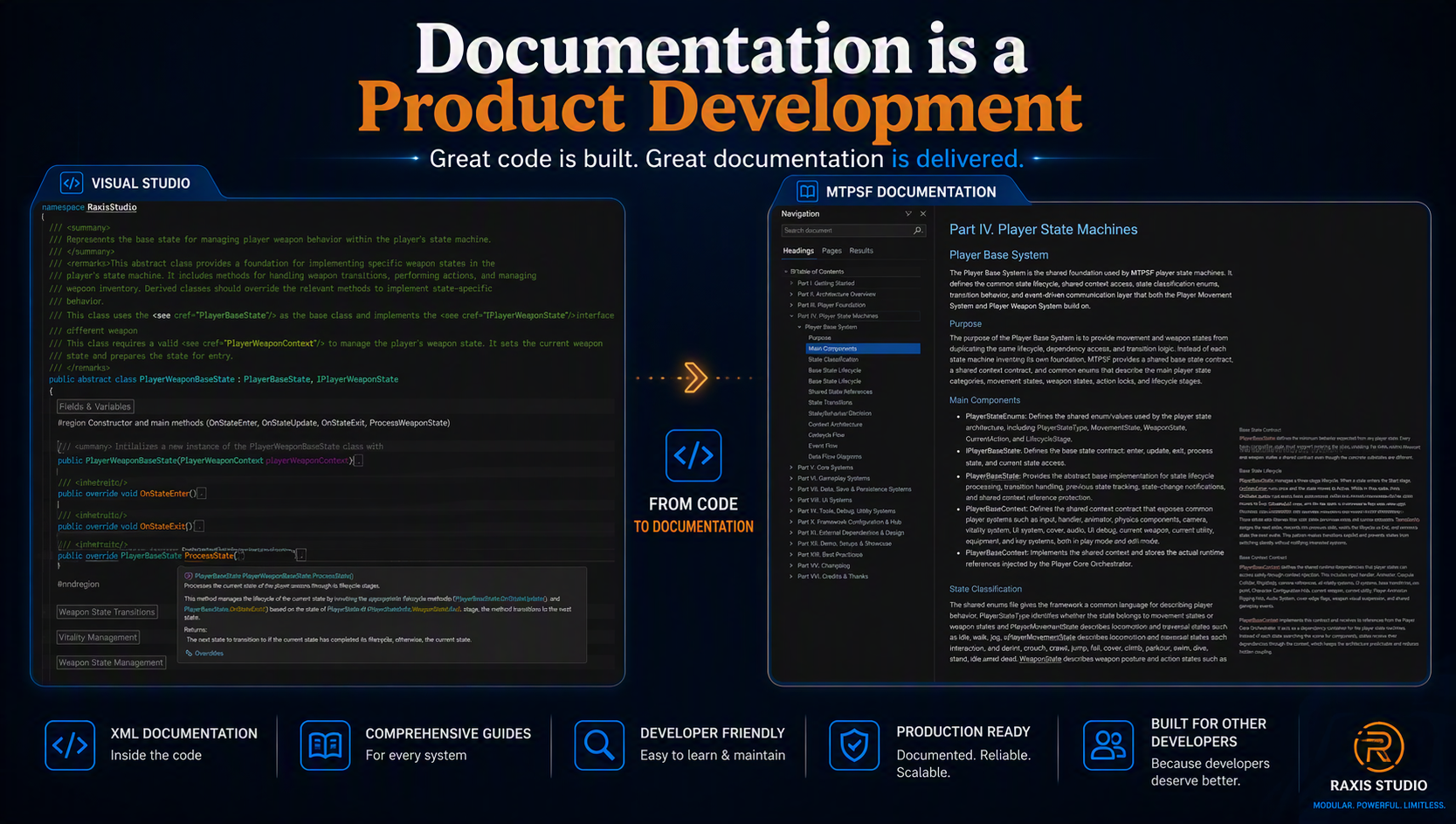
Documentation is part of the product because it shapes how developers understand, evaluate, and use a framework.
In a Unity asset, the visible systems may show what the framework can do, but documentation helps explain how those systems are organized, how they should be configured, and how developers can work with them confidently.
A modular shooter framework can include many connected parts. Movement, weapons, camera behavior, interaction, inventory, health, UI feedback, configuration assets, events, and state machines may all play a role.
Without documentation, developers may need to spend unnecessary time searching through the project to understand where each responsibility belongs and how the systems are expected to work together.
Good documentation reduces that friction. It gives developers a clearer path into the framework. Instead of guessing where to begin, they can follow setup instructions, read system explanations, inspect configuration notes, and understand the intended workflow.
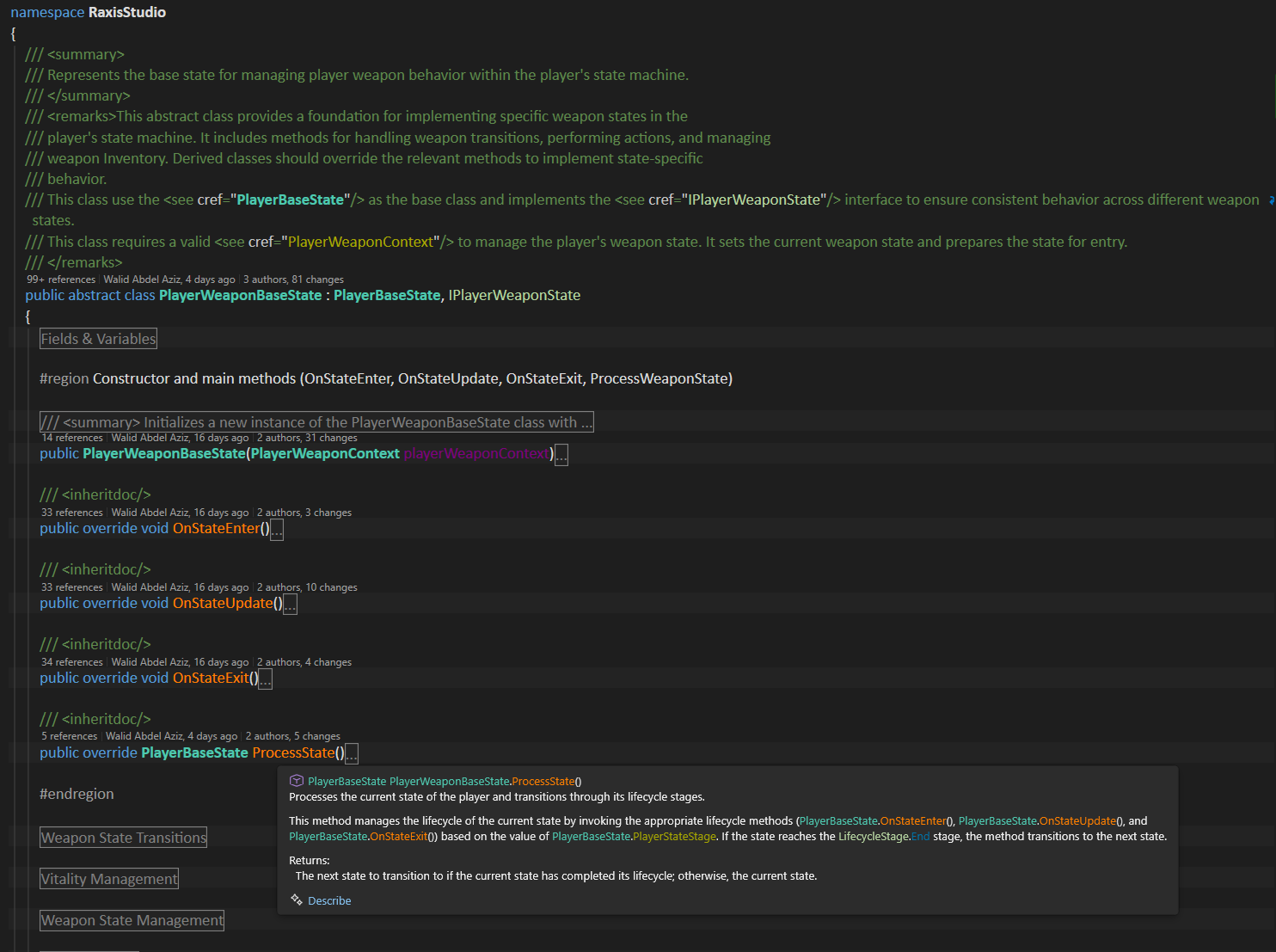
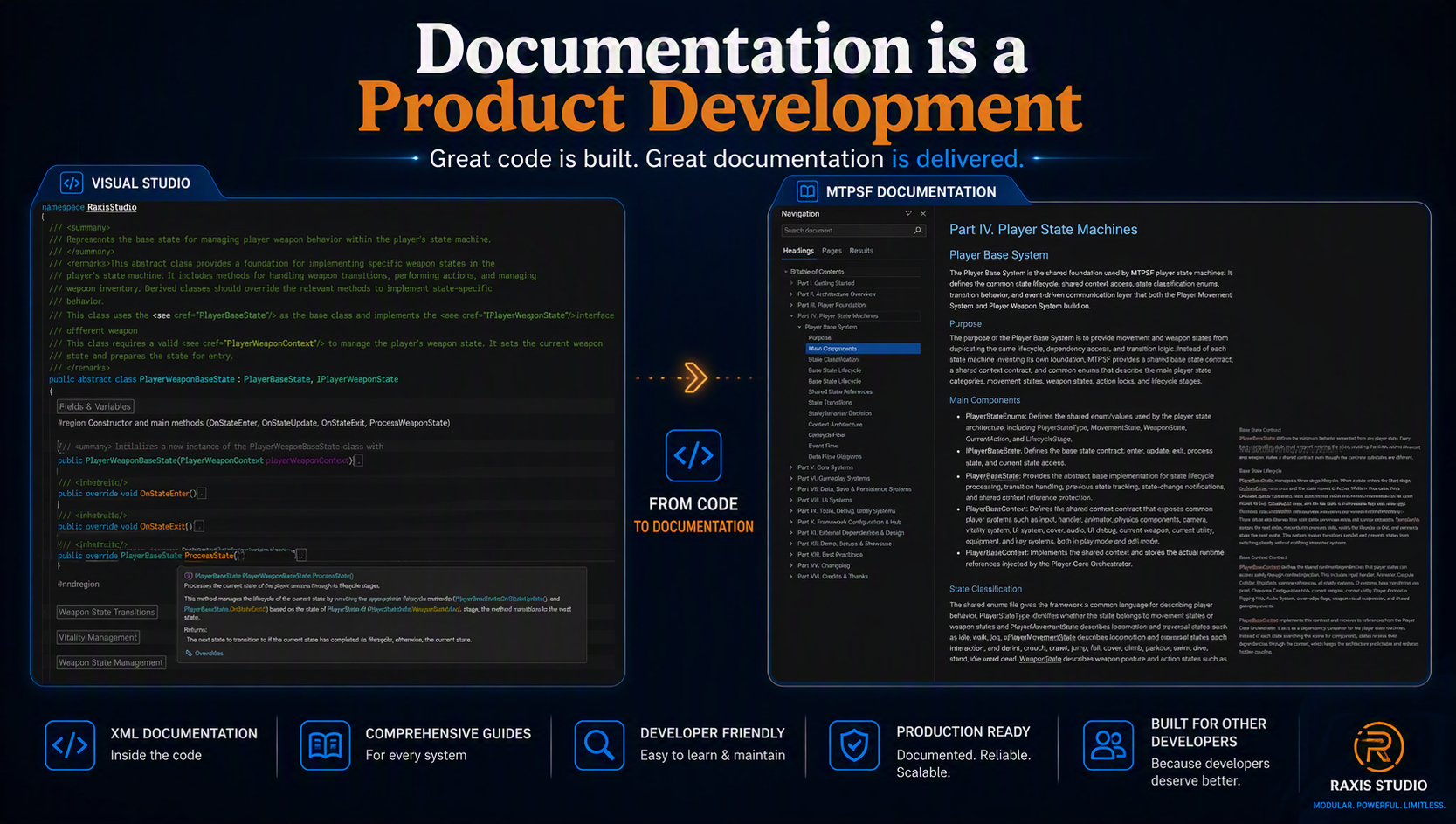
This makes the framework easier to evaluate and easier to adopt in real projects. Code-level documentation also matters. XML summaries can help describe classes, methods, properties, and fields directly inside the development environment.
When a developer hovers over a method or inspects a system in code, a clear summary can explain the purpose of that part without requiring the developer to leave the editor or search through external notes.
Tooltips and inspector-facing explanations are also useful in Unity workflows. A configurable system may expose values for weapons, movement, camera behavior, interaction distances, or other gameplay settings. If those values are not clearly explained, developers may hesitate to change them or may misunderstand their effect.
Tooltips can make configuration safer and more approachable. Clear naming works together with documentation. A well-named class, asset, event, or configuration file communicates intent before a developer reads a full guide. Naming alone is not enough, but it helps make the project easier to navigate. When names and documentation support each other, the framework becomes easier to understand at both a high level and a practical level.
For a reusable Unity asset, documentation also affects trust. Developers need confidence that the framework was prepared for use outside its original development environment. If a system works but is difficult to understand, the developer may still avoid relying on it. Clear documentation shows that the framework was prepared with adoption, maintenance, and extension in mind.
Documentation is especially important when a framework uses modular architecture. Modular systems are powerful because each part has a focused role, but developers still need to know how those parts connect.
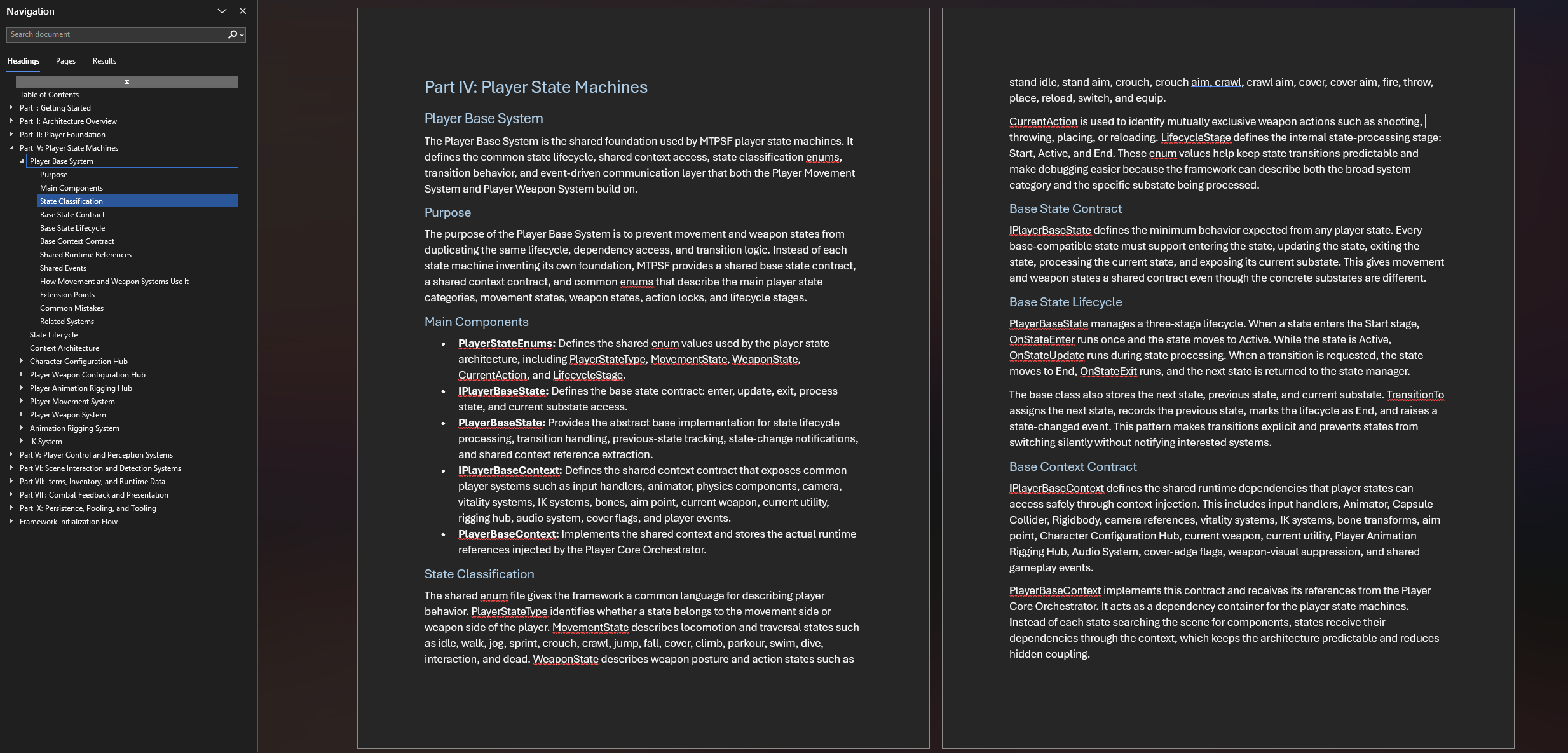
A guide can explain the purpose of each system, the expected setup flow, the main configuration assets, and the communication patterns that keep the framework organized.
MTPSF treats documentation as part of the product experience, not as a separate task added only at the end. The framework is being prepared not only to provide shooter gameplay systems, but also to make those systems easier to inspect, configure, and understand.
Documentation supports that goal by making the structure more visible to the developer. This does not mean documentation should replace clean architecture. If the system is poorly organized, documentation can only explain the complexity; it cannot remove it.
The strongest result comes when documentation and architecture work together. Clean structure makes the system easier to explain, and clear documentation makes that structure easier to follow.
For developers, this can reduce uncertainty. Instead of treating the framework as a black box, documentation helps reveal how the systems are intended to be used. It can explain what should be configured, what should be extended, what should remain stable, and where developers should look when they need to understand a specific behavior.
Documentation is part of the product because it supports the developer after the first import. It helps turn a collection of systems into a usable framework. For MTPSF, clear guides, XML summaries, tooltips, naming, and setup explanations all contribute to the same goal: making the framework easier to understand, easier to trust, and easier to build upon.