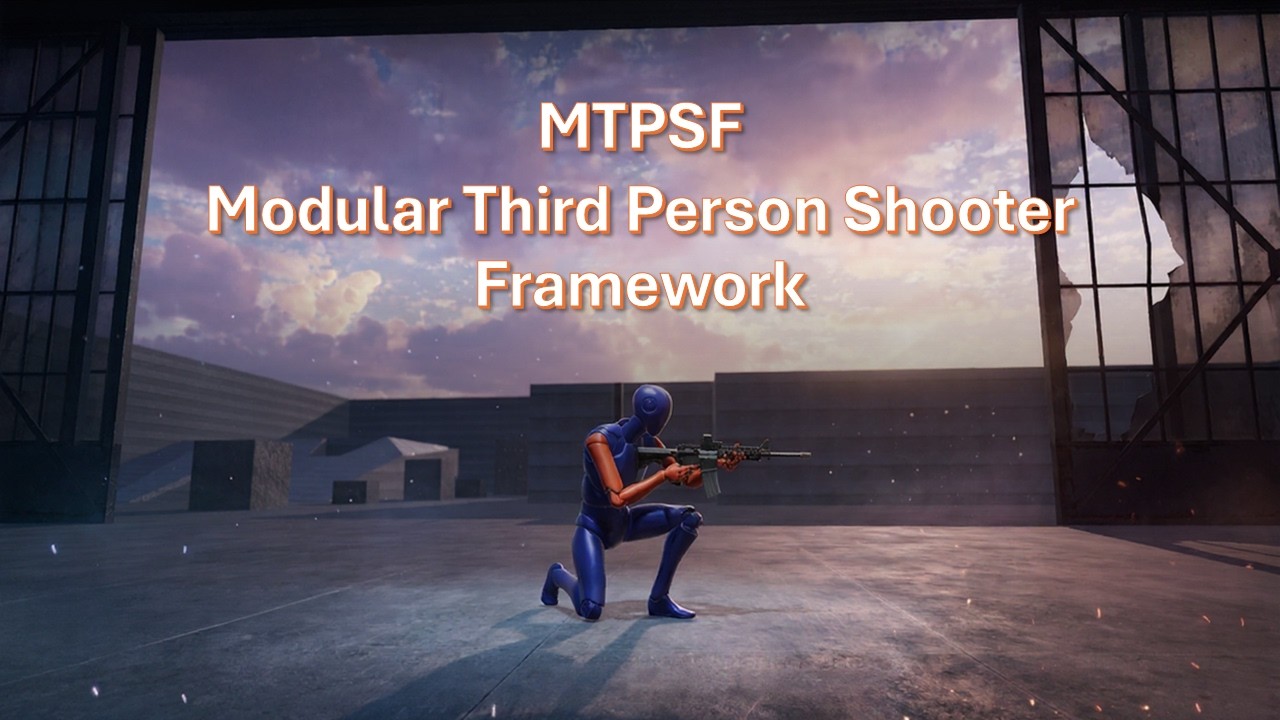
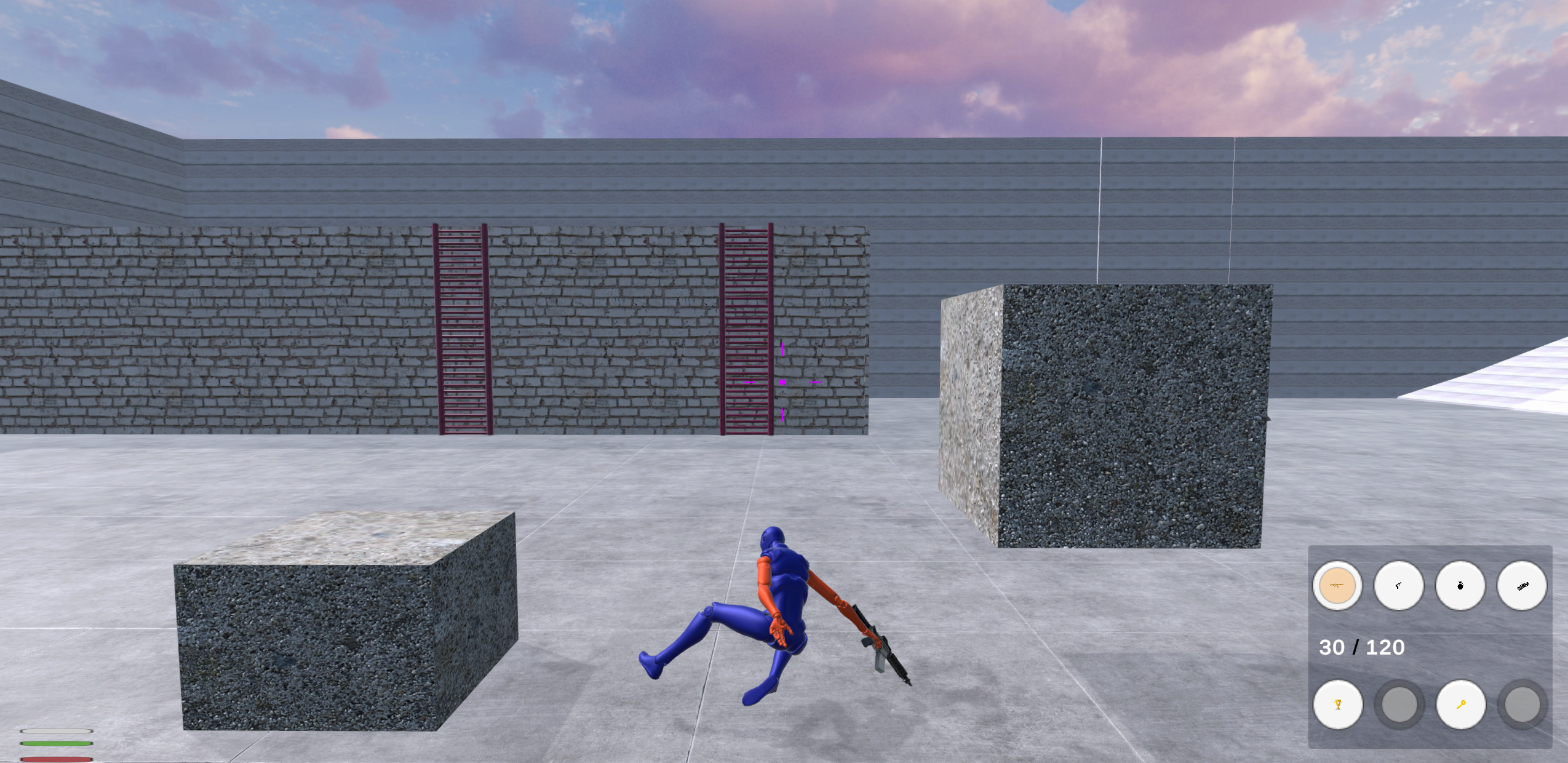
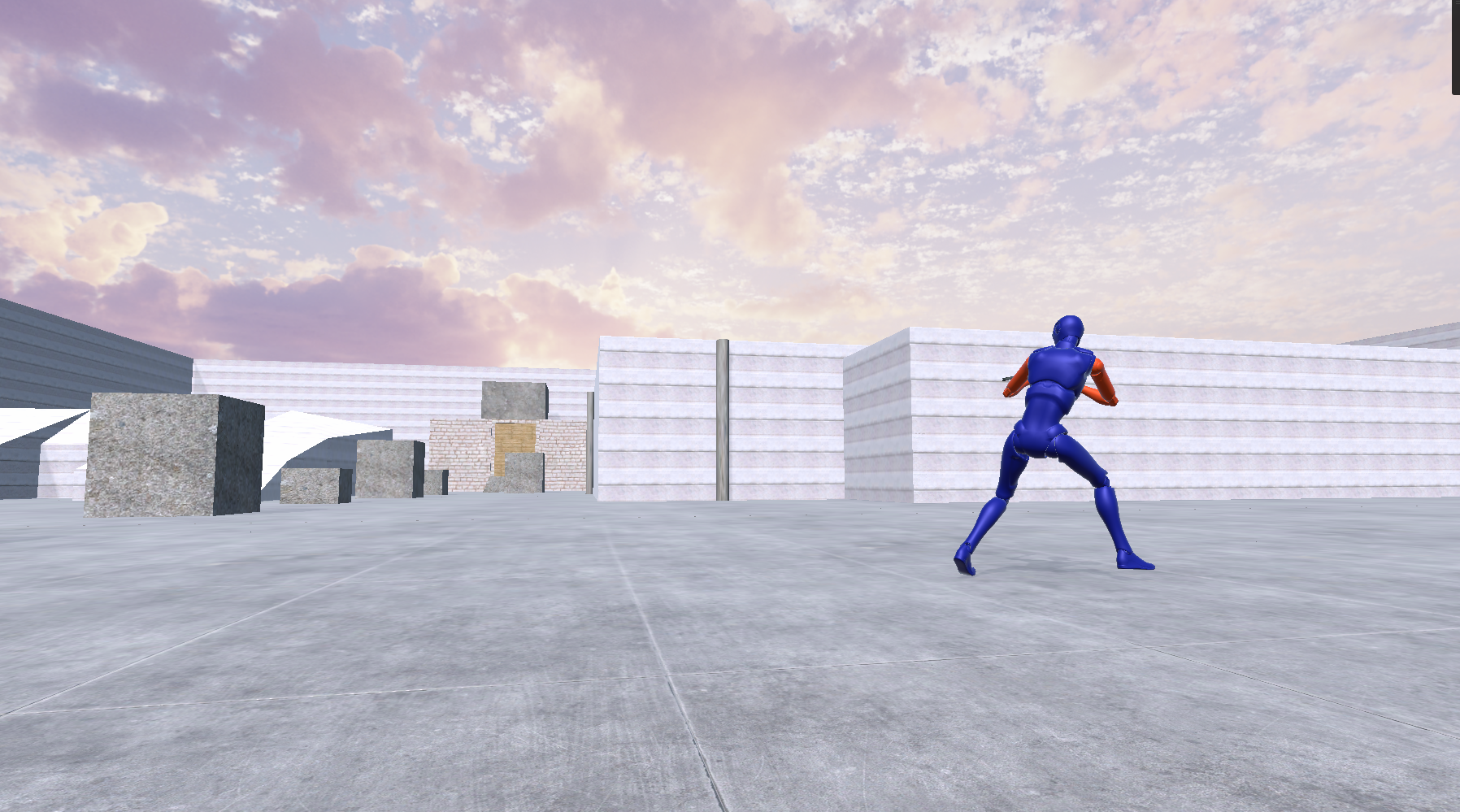
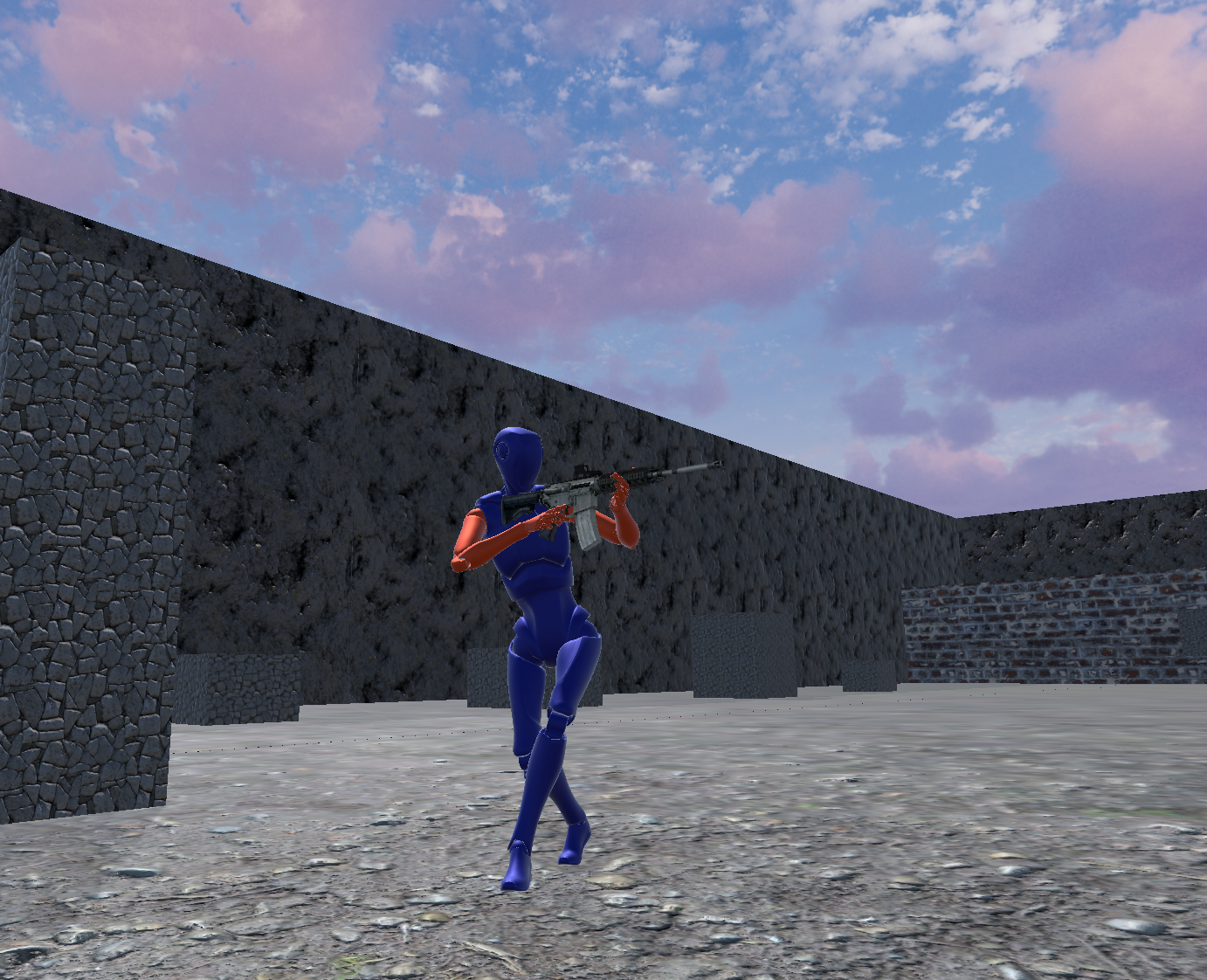
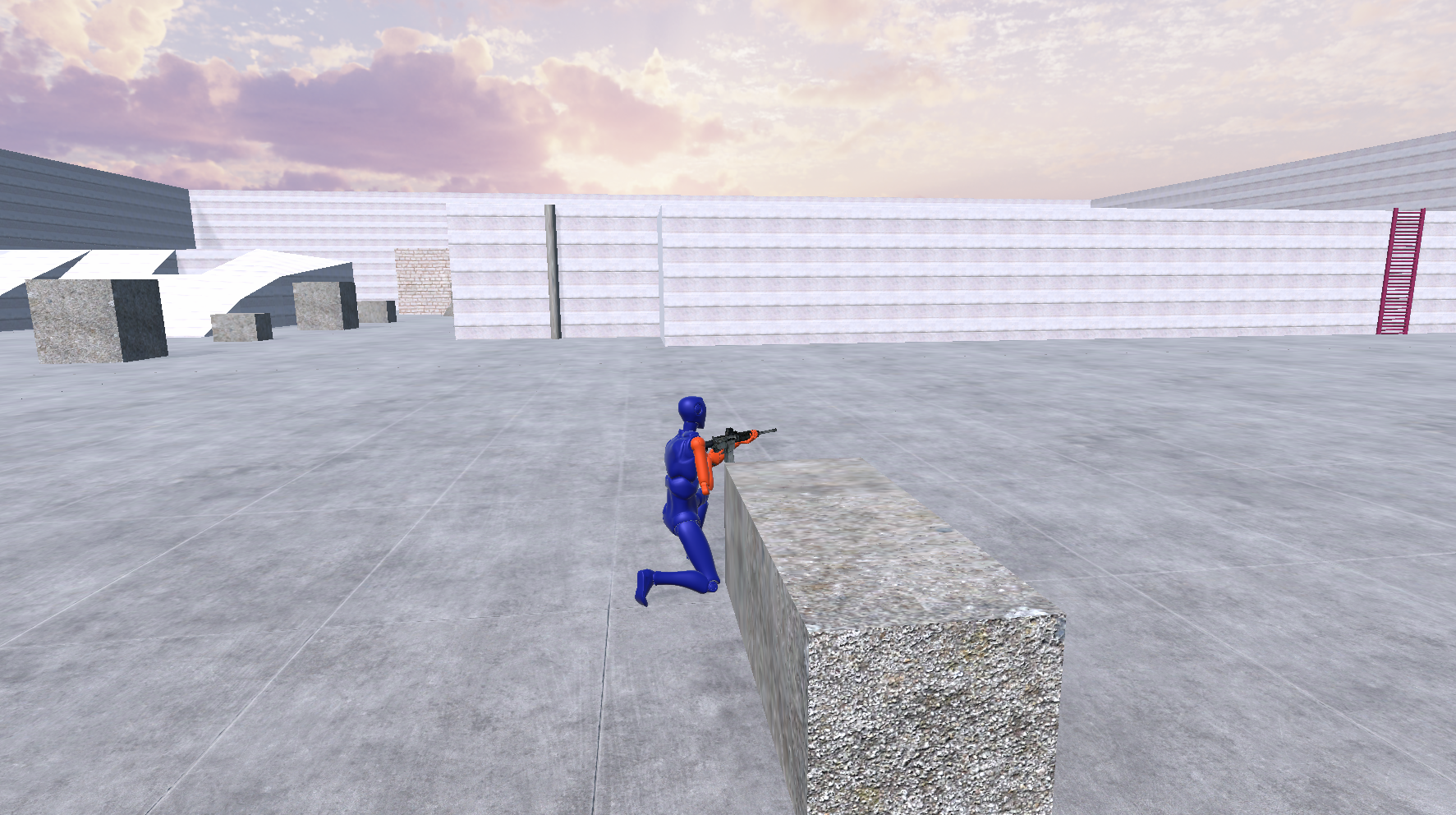
MTPSF - Modular Third Person Shooter Framework
Introduction
Welcome to the official documentation for the Modular Third Person Shooter Framework (MTPSF). MTPSF is a production-ready third person shooter framework for Unity built around modular architecture, extensibility, and long-term maintainability. Designed for developers who want a scalable and customizable foundation, MTPSF combines advanced locomotion, combat, inventory, utility, and interaction systems into a cohesive architecture-first solution. Built using composition over inheritance, interfaces, event-driven communication, state machines, dependency injection principles, and Scriptable-Object-driven configuration, MTPSF helps developers accelerate production while maintaining clean and maintainable code.
Overview
MTPSF (Modular Third Person Shooter Framework) is a production-ready third person shooter framework for Unity designed around modular architecture, extensibility, and long-term maintainability. Built for solo developers, indie teams, and small studios, MTPSF combines combat, inventory, utility, movement, interaction, save/load, object pooling, and character systems into a unified architecture-first solution. The framework is suitable for creating tactical shooters, military shooters, survival games, action games, adventure games, and custom third person projects while allowing developers to customize or replace individual systems without rebuilding the entire foundation.
Why MTPSF?
Build Shooter Games Faster
MTPSF provides a complete gameplay foundation that helps developers focus on creating their game instead of rebuilding common shooter systems from scratch.
Designed For Long-Term Projects
The framework is built using modular architecture principles that help projects remain maintainable, scalable, and extensible as development grows. Extensive debugging and inspection tools help developers understand and troubleshoot systems throughout production.
Learn Faster
MTPSF includes documentation, setup guides, architecture references, videos, and examples designed to help developers understand and extend the framework efficiently.
Customize Without Restrictions
Developers can replace systems, create new gameplay features, add custom weapons, extend utility systems, and integrate project-specific mechanics without modifying the framework's core architecture.
Key Features
Combat Systems
- Firearms System
- Grenade System
- Explosives System
- Damage System
- Health System
- Scope System
- Crosshair System
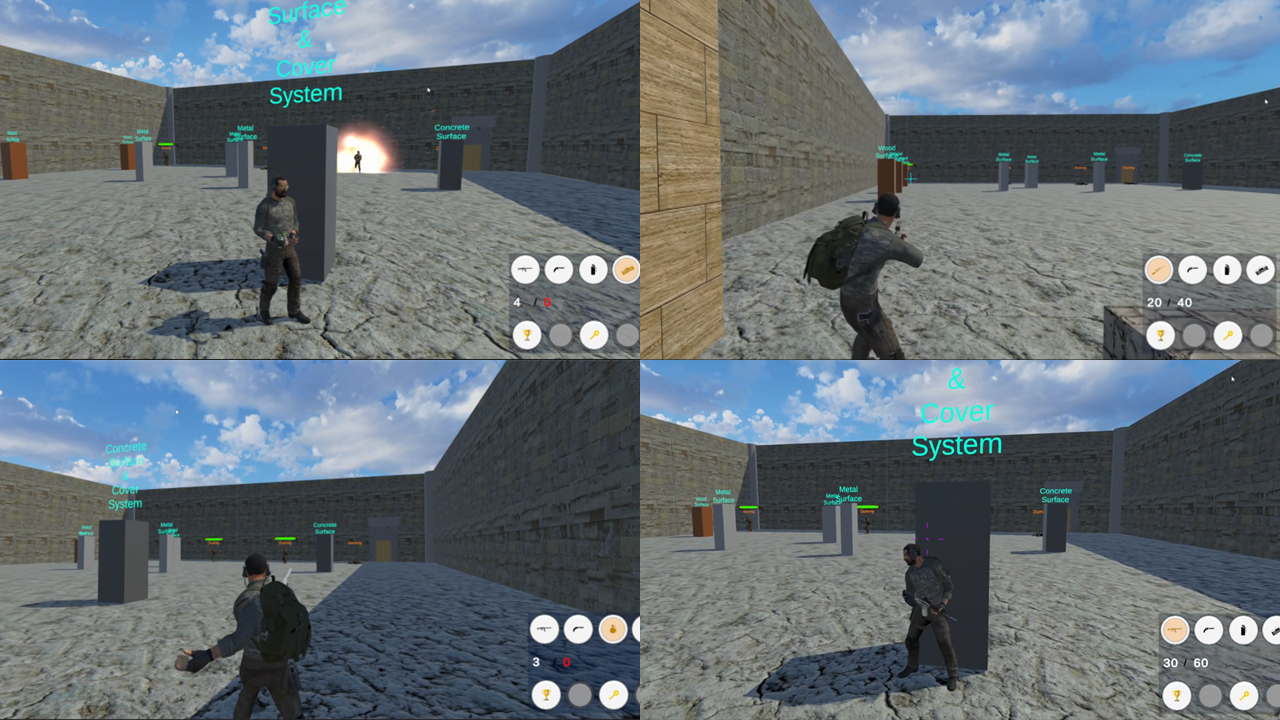
- Cover System
- Character Death System
Inventory & Utility Systems
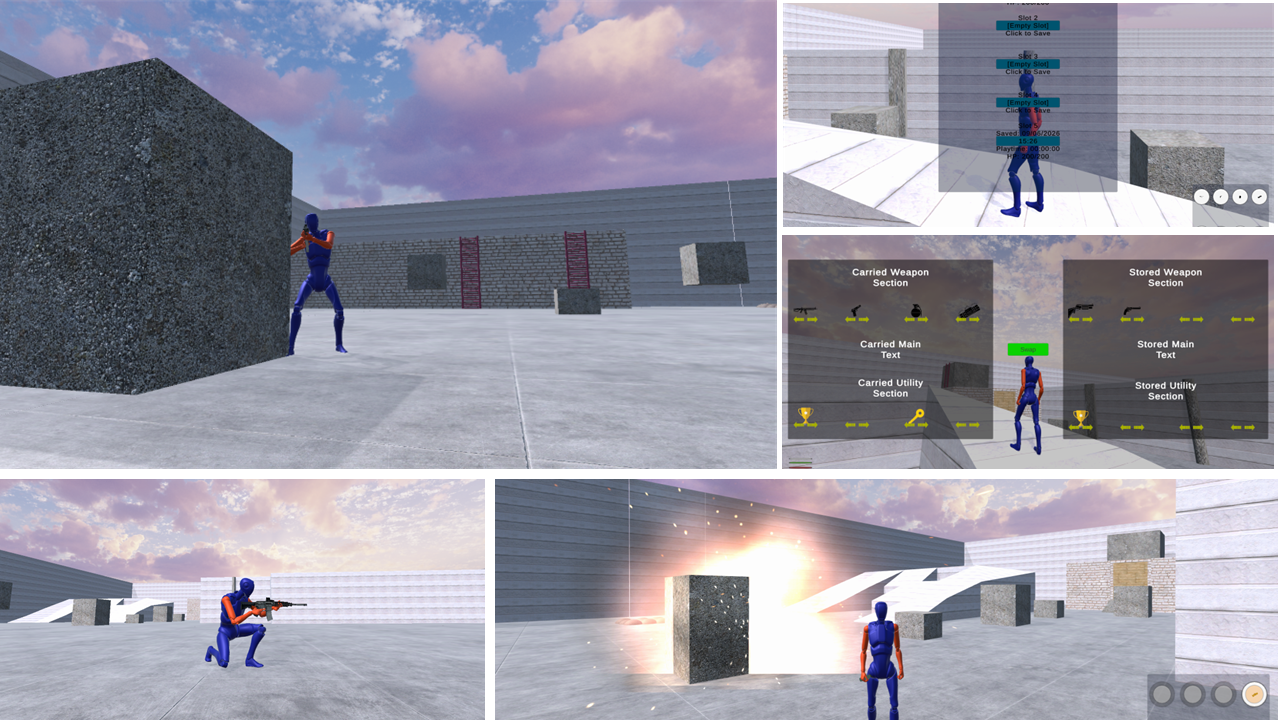
- Inventory Management
- Equipment Management
- Utility Management
- Item Management
- Inventory Persistence
- Runtime Inventory Updates
- Save & Restore Inventory Data
- Mission and Objective Item Support
Movement & Interaction Systems
- Walk
- Jog
- Sprint
- Crouch
- Crawl
- Roll
- Climb
- Parkour
- Cover
- Swim
- Dive
- Interaction System
Technical Systems
- Save / Load System
- Object Pool System
- Animation Rigging System
- Camera Management System
- Character State Machines
- UI Management System
- Modular Debug Tool
Developer Tools & Debug System
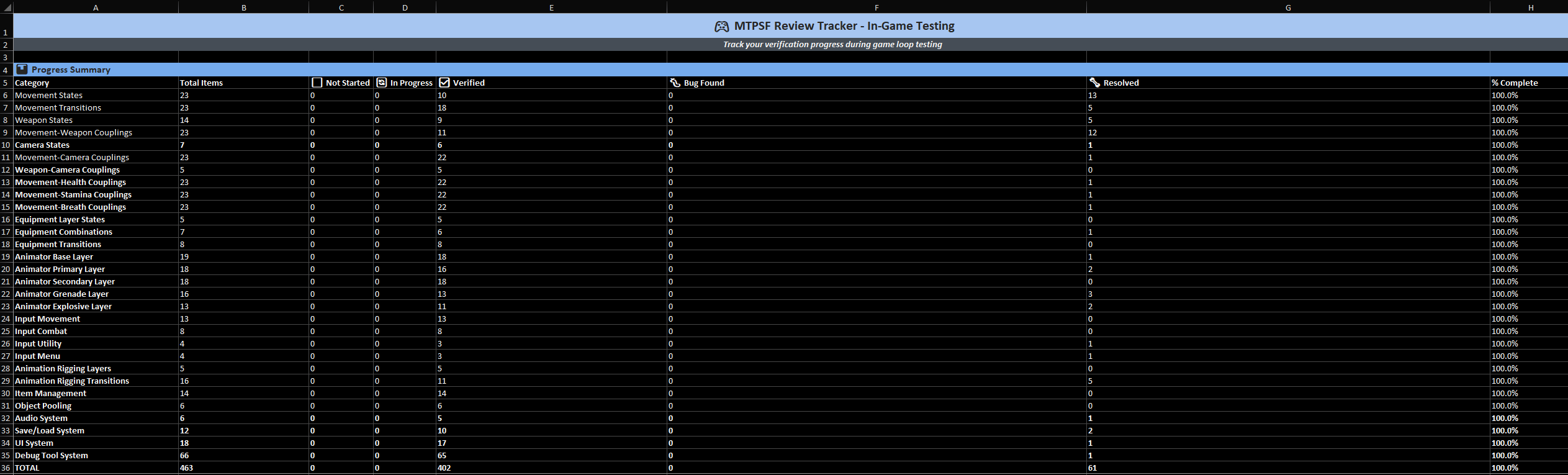
MTPSF includes a dedicated Runtime Debug Tool designed to improve development workflows, accelerate testing, and provide deep visibility into framework behavior during gameplay.Unlike traditional debugging solutions that only expose logs or basic runtime information, the MTPSF Debug Tool provides centralized access to framework systems, allowing developers to inspect, monitor, configure, and test gameplay functionality during development.
Debug Tool Features
- Runtime System Inspection
- Gameplay Testing Utilities
- Feature Toggle Controls
- Development Diagnostics
- Runtime Configuration Support
- Debug UI Integration
- System Monitoring Tools
- Editor and Runtime Development Utilities
Full Framework Visibility
The Debug Tool was designed to support the entire framework architecture and can be used to inspect and troubleshoot:
- Gameplay Systems
- Managers
- Controllers
- State Machines
- ScriptableObjects
- Configuration Assets
- Components
- Interfaces
- Events and Delegates
- Actions and Callbacks
- Classes
- Methods
- Runtime Workflow States
- Player Systems
- Weapon Systems
- Inventory Systems
- Utility Systems
- Camera Systems
- Save / Load Systems
- Object Pool Systems
- Animation Rigging Systems
- UI Systems
This provides developers with a centralized location for understanding framework behavior, validating configurations, testing gameplay scenarios, and diagnosing issues during development.
Faster Development Iteration
The MTPSF Debug Tool helps reduce development time by allowing developers to inspect framework behavior without repeatedly modifying gameplay code or creating temporary debugging solutions.Whether testing new features, configuring systems, validating gameplay logic, or troubleshooting integrations, the Debug Tool provides visibility into the framework's architecture and runtime operations while maintaining the modular design principles used throughout MTPSF.
Core Architecture
MTPSF follows architecture-first development practices designed to reduce coupling, improve maintainability, and simplify long-term customization.
Architectural Principles
- Composition Over Inheritance
- Interface-Based Design
- Event-Driven Communication
- Dependency Injection Principles
- Inversion Of Control Principles
- Modular State Machines
- Scriptable-Object Configuration
- Enum-Based Configuration
- Runtime Extensibility
The framework is organized around clear system responsibilities and communication patterns that allow systems to evolve independently while remaining easy to customize.
Development & Customization
MTPSF was designed to support customization at every level. Developers can:
- Create new weapons
- Create new utility types
- Add new gameplay mechanics
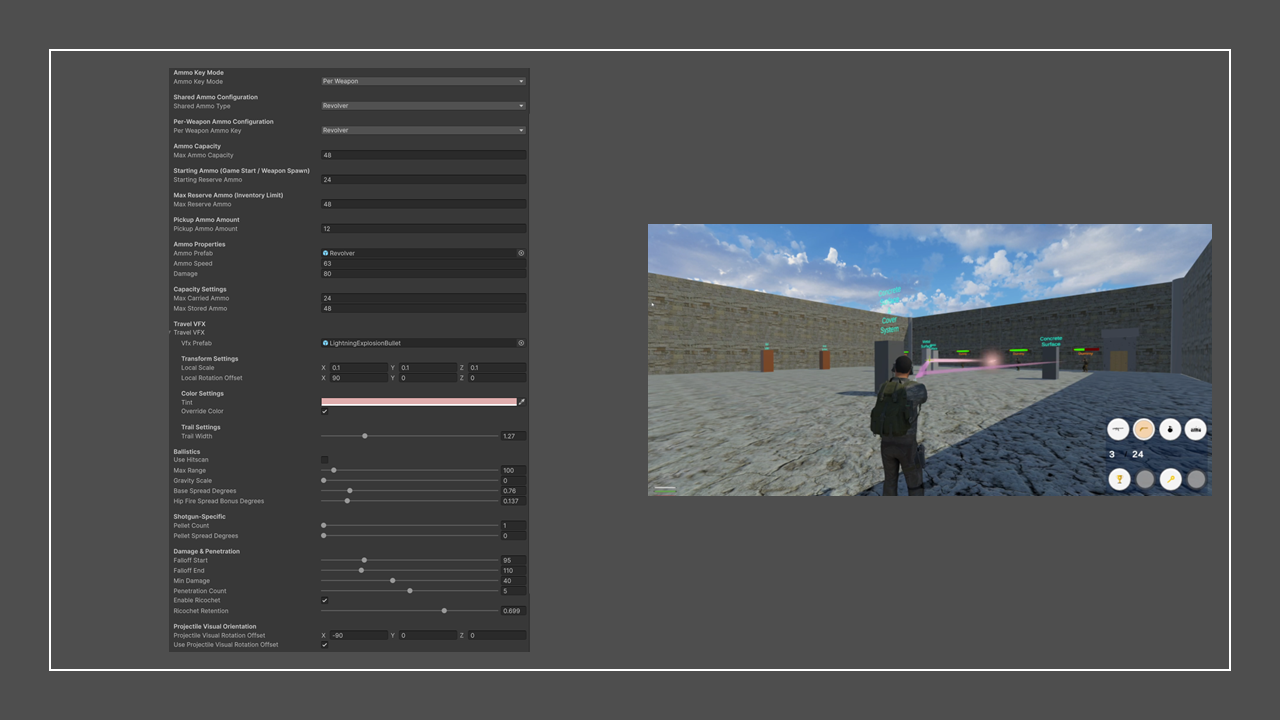
- Configure systems through Scriptable-Objects
- Replace existing components
- Extend state machines
- Customize user interfaces
- Build new character types
- Create project-specific gameplay systems
The framework encourages extending and integrating systems rather than modifying core functionality.
Documentation & Learning Resources
MTPSF includes extensive learning resources designed to accelerate onboarding and reduce implementation time.Available resources include:
- User Documentation
- Architecture Presentation
- Setup Videos
- Configuration Videos
- Showcase Demonstrations
- Example Scenes
- FAQ Resources
- Technical References
These resources help developers understand not only how to use the framework, but also how the architecture is organized internally.
Compatibility
MTPSF supports:
- Unity New Input System
- Cinemachine
- Animation Rigging
- Unity Starter Assets (Demo Character)
Character Models & Animations
MTPSF does not include production-ready character models, animation packs, or third-party art assets.Developers are expected to use their own:
- Character Models
- Animation Packs
- Motion Capture Animations
- Marketplace Assets
- Internal Studio Assets
The framework provides the gameplay systems, architecture, and integration points required to connect custom content to the underlying gameplay mechanics.
Getting Started
Getting started with MTPSF is straightforward:
- Import the framework into a Unity project.
- Install required Unity packages.
- Import a compatible character model and animation assets.
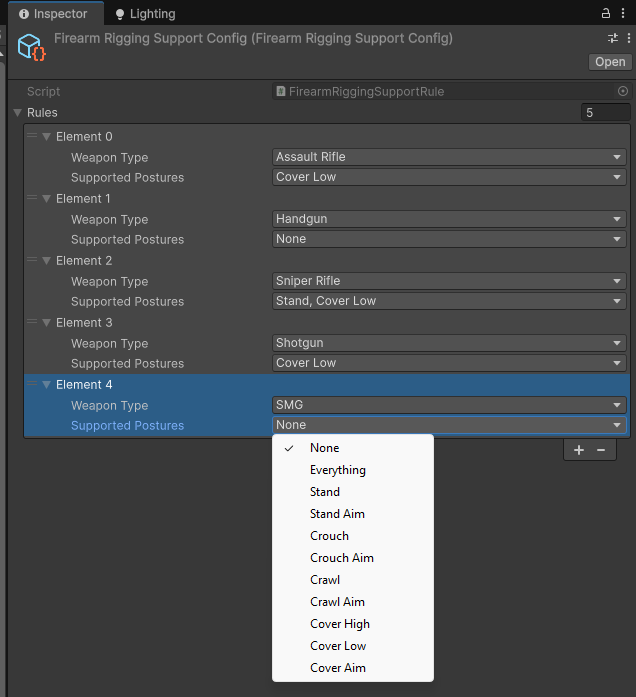
- Configure systems using ScriptableObjects.
- Connect animations and animation rigging where required.
- Begin extending gameplay systems for your project.
Build Your Next Shooter Project
MTPSF combines combat, inventory, utility, interaction, save/load, object pooling, movement, and architecture-first development practices into a single framework designed for long-term Unity development. Whether building a prototype or a production-ready game, MTPSF provides a scalable and maintainable foundation that helps developers focus more on gameplay and less on rebuilding infrastructure.